Bizplin

Knowledge to Drive Your Business Growth

Other courses:

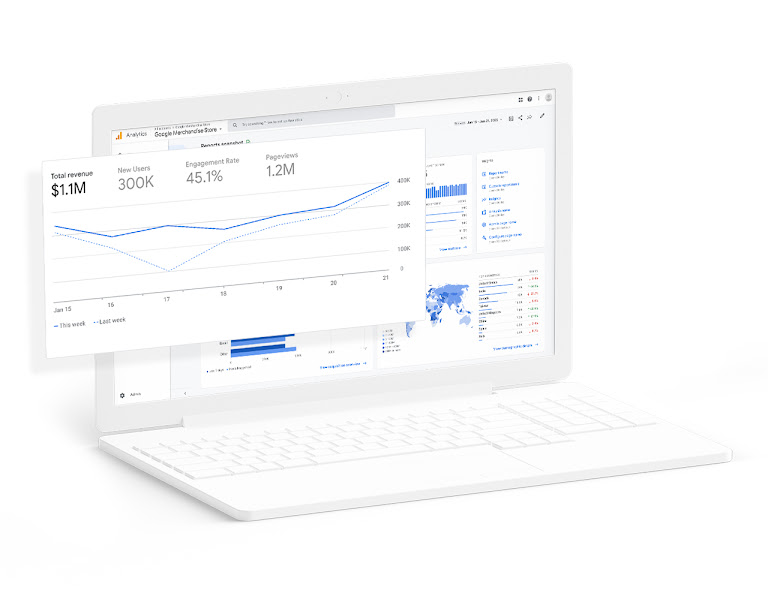
Access essential statistics about your customers

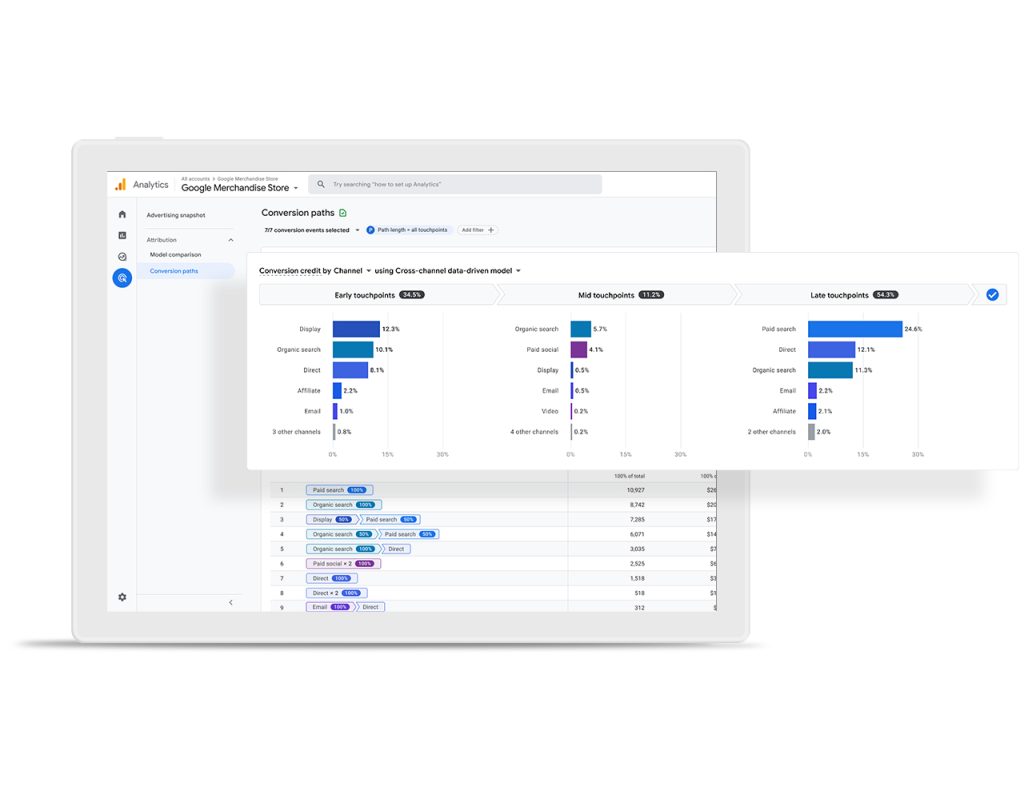
Discover how your customers interact across different devices and platforms. With Google Analytics, gain free access to essential tools to understand their journey and maximize the return on investment of your marketing strategy.

Discover all the benefits of this course

people icon

Access customer-focused measurement features

Discover how your customers interact at each stage of their lifecycle with your websites and apps.

bulb icon

Consult smarter statistics to improve your ROI

Leverage Google's machine learning to get the most value from your data, uncover new insights, and anticipate your customers' behavior.

restart icon

Connect your data to achieve better results

Optimize the performance of your marketing strategy with advanced integrations of Google's advertising and editing tools.

checklist icon

Make the most of your data

Quickly analyze your data and collaborate with other users in an intuitive interface, with easy-to-share reports to improve decision-making.

Dive into the details

Strengthen your strategy with a reliable measurement system that includes advanced automation, intuitive reports, and cross-platform attribution, among other essential features.

Analytics gives you a comprehensive view of how your customers interact with your business, helping you improve their experiences and achieve more effective results.

The main goal of Google Analytics is to help you deliver a high-quality website to your customers by providing you with all the key information about your site's statistics to optimize its performance.

The four goals of Google Analytics are:

Understand the audience

Learn who visits your site, their demographics, interests, and behaviors.

Analyze user behavior

See how users interact with your site, the pages they visit, the time they spend, and the paths they take.

Measure the effectiveness of the marketing strategy

Evaluate the performance of campaigns and marketing channels, such as social media, paid ads, and email.

Optimize site performance

Identify areas for improvement on the website to provide a high-quality user experience and maximize return on investment (ROI).

Reasons why you need Google Analytics for your business growth

Know where your visitors are coming from

Understanding referral traffic is essential for building an effective marketing strategy. Setting up Google Analytics will allow you to identify the real sources of your visitors and optimize your efforts on the right channels.

Discover which area attracts more customers

Develop a strong market strategy by identifying the internal and external factors of each geographic segment. With this data, you'll be able to retain your current customers and effectively expand your customer base.

To segment your customer base

Learn how to create irresistible ads that capture attention and generate interest, precisely segmenting your customers and boosting your brand's growth.

To segment your customer base

Learn how to create irresistible ads that capture attention and generate interest, precisely segmenting your customers and boosting your brand's growth.

To create and track effective campaigns

Tailor your email content to the direct style preferred by your customers, allowing you to attract and retain more loyal customers.

To create and track effective campaigns

Tailor your email content to the direct style preferred by your customers, allowing you to attract and retain more loyal customers.

To understand the type of content you should create

By tracking what type of content receives a lot of visits and social shares, you can optimize content based on customer needs.

To identify the right social platforms

Social media is a key tool for engaging with your customers. Google Analytics helps you attract the right users and observe their interactions, making it easier to choose the most effective platforms for your brand.

Connect with people at the time and place where they are ready to take action.

Reach the right audience

Target people with a work-oriented mindset and higher purchasing power. These are users who spend more online and are more willing to engage with ads to try new offers.

Create smarter customer journeys

Develop personalized experiences with the platform's powerful capabilities and audience intelligence that optimize the performance of your campaigns.

Import campaigns with ease

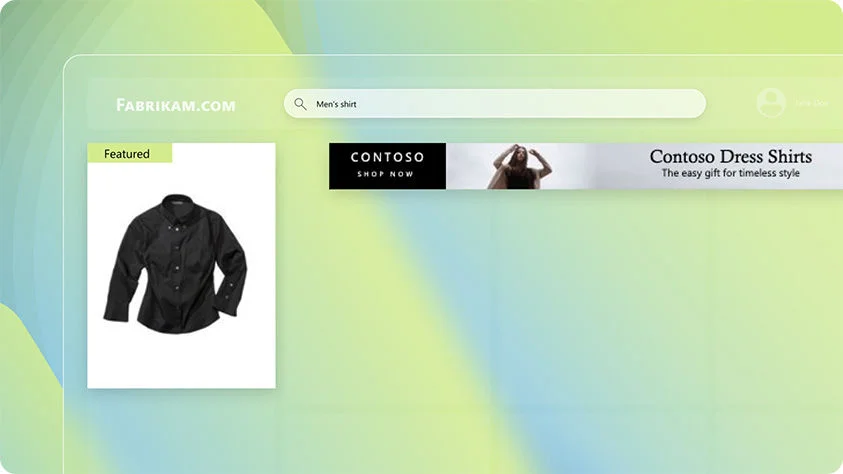
If you're already using another product like Google Ads, you can easily transfer your campaign data to Microsoft Advertising.

Search

Unleash the power of search

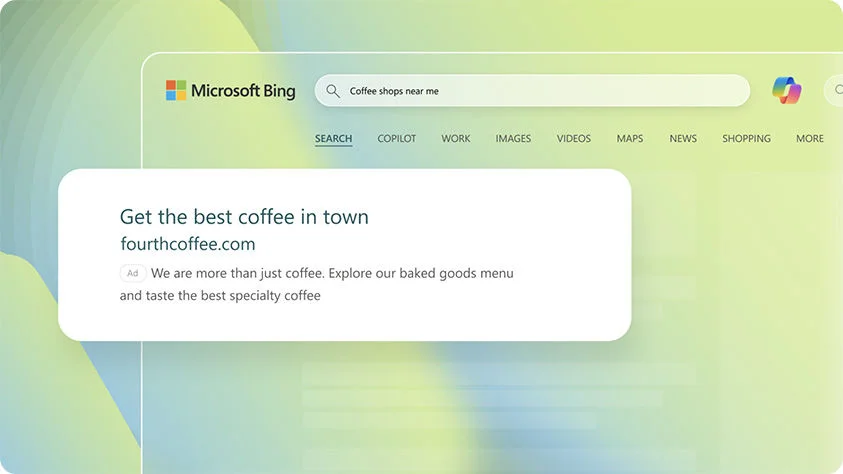
Boost your sales by connecting with users actively searching for your products or services on Bing, Yahoo, DuckDuckGo, and other search engines within Microsoft's extensive network and key partnerships.

Display

Engage with visual storytelling

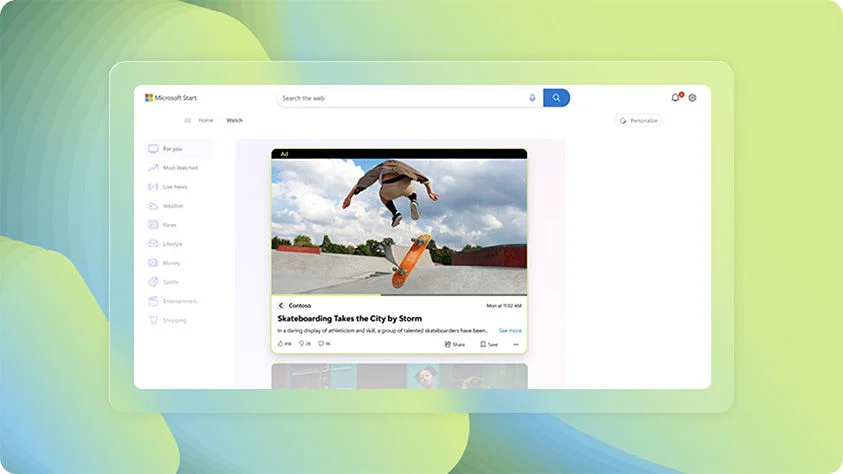
Connect with global audiences through native and display ads in brand-safe environments such as Microsoft Start, MSN, Microsoft Edge, Outlook, and Microsoft Casual Games.

Video and CTV (Connected TV)

Combine the impact of video with search intent

Capture your audience with video content that highlights your brand story and seamlessly connects with viewers across Microsoft's properties and a network of partner publishers. Whether they’re browsing the web, watching videos online, or enjoying their favorite shows on popular platforms like Netflix, Max, Hulu, Roku, and discovery+, your message will always be front and center.

Retail

Expand your brand's reach

Connect with people ready to purchase your products through ads in search engine results and retail sites like Dick's Sporting Goods, Sephora, Home Depot, and more.

Maximum performance

Maximize return on investment

Create and manage your campaigns, optimize ads to reach the right audience at the right time, and improve performance to meet your advertising goals across the Microsoft Advertising network.

Keep costs under control

Use our tools to manage campaigns and meet your advertising goals. Whether working with a fixed budget or aiming for a cost per acquisition or action, Microsoft Advertising gives you full control to achieve it.

NO MINIMUM FEE

Sign up for free and start advertising with any budget.

PAY ONLY FOR CLICKS

Pay only when customers click on your ad. If there are no clicks, you pay nothing.

MEASURE PERFORMANCE

Test keywords, bids, and timelines to get the most out of your ROI.

DAILY BUDGETS

Set an overall budget or adjust your spending daily.

Learn how to simplify the use of tags with this course.

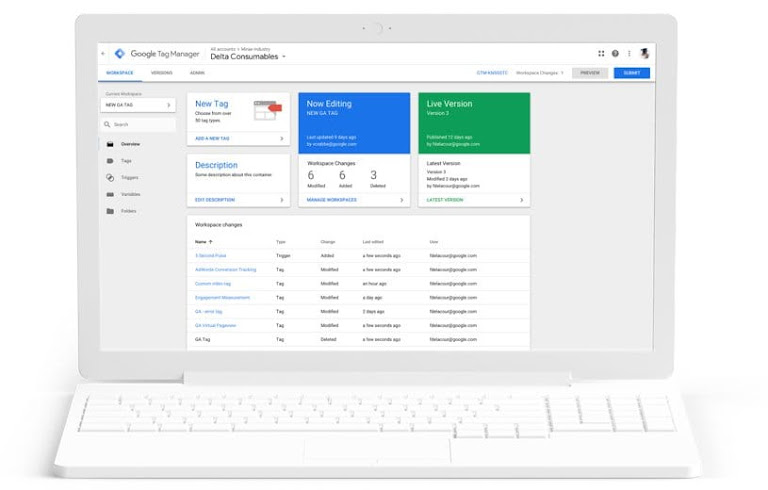
Manage all your tags without the need to edit code. Google Tag Manager allows you to handle your tags in a simple, reliable, integrated, and free way.

Discover all the benefits of this course

running-man icon

Work more efficiently

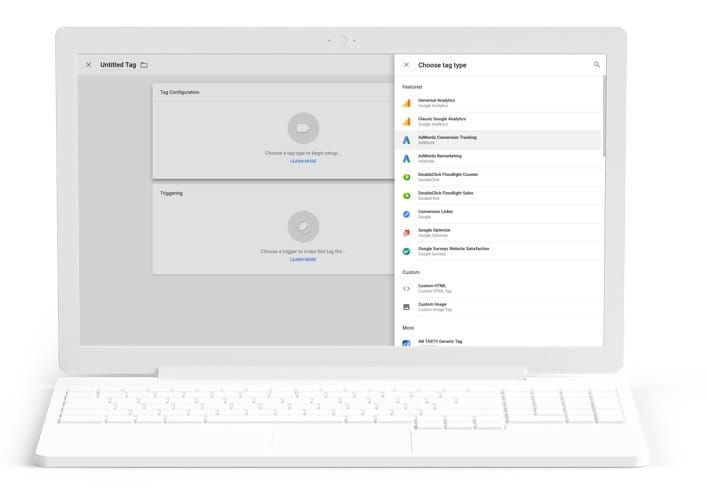
Add and adjust tags easily to gain insights into conversions, perform web analytics, and much more.

infinity icon

Use the solution with any tag

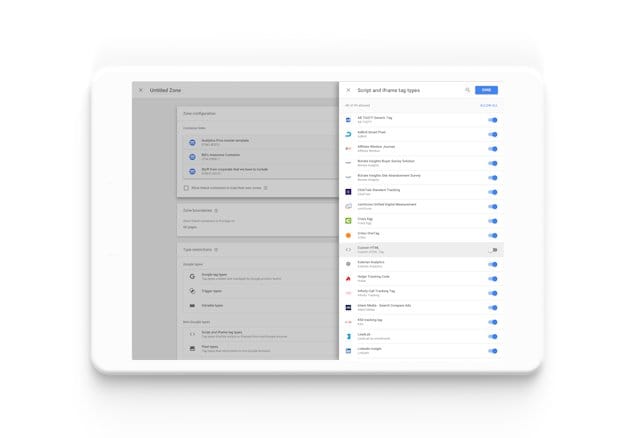
Tag Manager is compatible with Google and third-party tags.

checklist icon

Relax

With error checking, security features, and fast loading, all your tags will work smoothly.

people icon

Foster collaboration within your team

Boost collaboration across the company. With features like workspaces, granular access controls, and compatibility with different testing environments, Marketing and IT teams can work together to achieve excellent results.

With Google Tag Manager, in just one hour you can verify if a tag is correct and implement it easily. It's amazing!

Dive into the details

Access features like easy-to-use preview and debugging tools, automatic event triggers, and an intuitive interface that lets you manage all your tags without complications.

A solution designed to work with any tag

Tag Manager is fully compatible with both Google and third-party tags, allowing you to modify them at any time to save time and achieve better results.

googleads icon

Google Ads

By integrating with Google Ads, Tag Manager enables conversion tracking and facilitates both basic and dynamic remarketing.

bookmarks icon

Compatible with third-party tags

Simplify code implementation and minimize errors by using third-party templates. Explore the available third-party templates in Tag Manager or search for more options in the community template gallery.

Find the ideal solution for your business

Tag Manager offers simple and effective solutions for businesses of all sizes to start measuring data quickly.

Tag Manager

Manage all your tags for free, without the need to edit code.

Tag Manager 360

Manage all your tags in one place and easily monitor the development of your company's marketing strategy.

Related solution

Discover another tagging solution and how it integrates with other Google advertising and analytics products.

Google Tag

Implement a single tag to use Google advertising and analytics products.

With this course, reach over a billion professionals worldwide.

Target the right audience using unique attributes and achieve results from a trusted leader in B2B digital advertising.

Create strategic campaigns that work for you

Set a goal

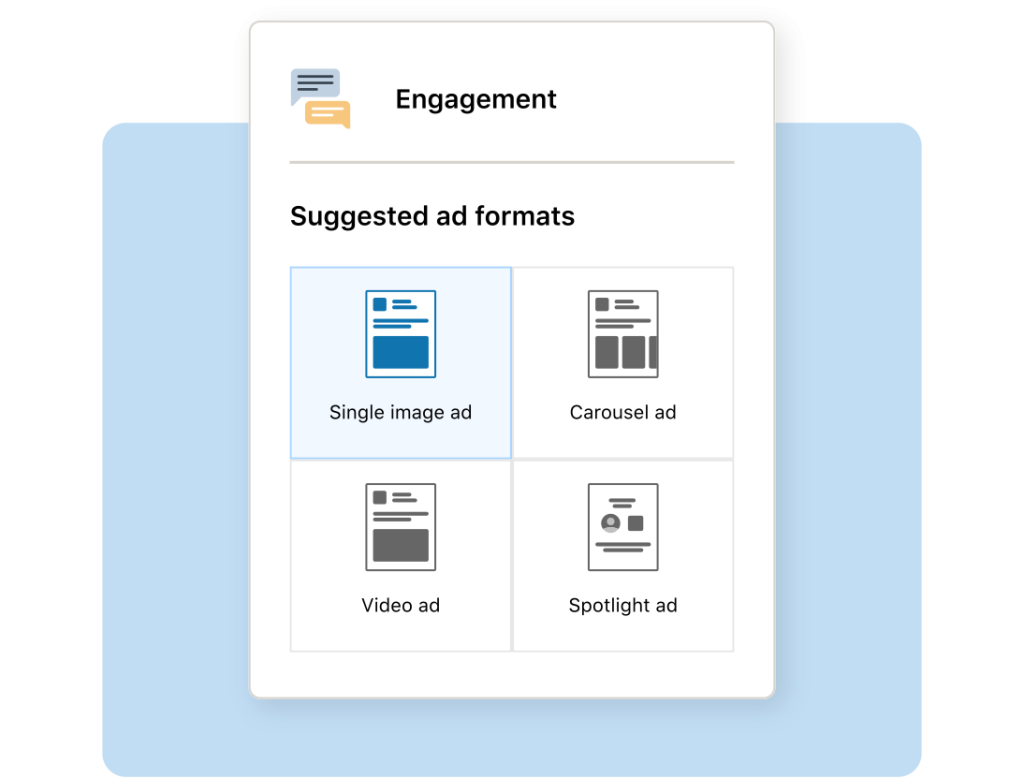
Create impactful B2B advertising campaigns on LinkedIn based on your marketing objectives.

Target audience

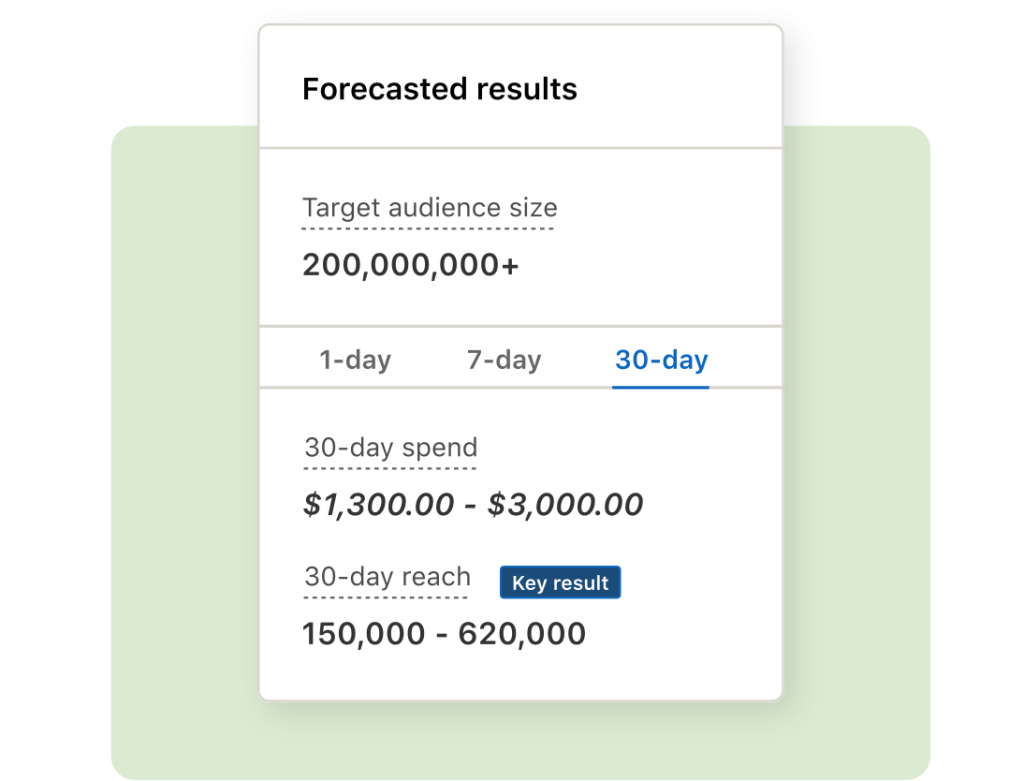
Reach your audience (by job title, skills, industry, and more) and customize your spending.

Test and analyze

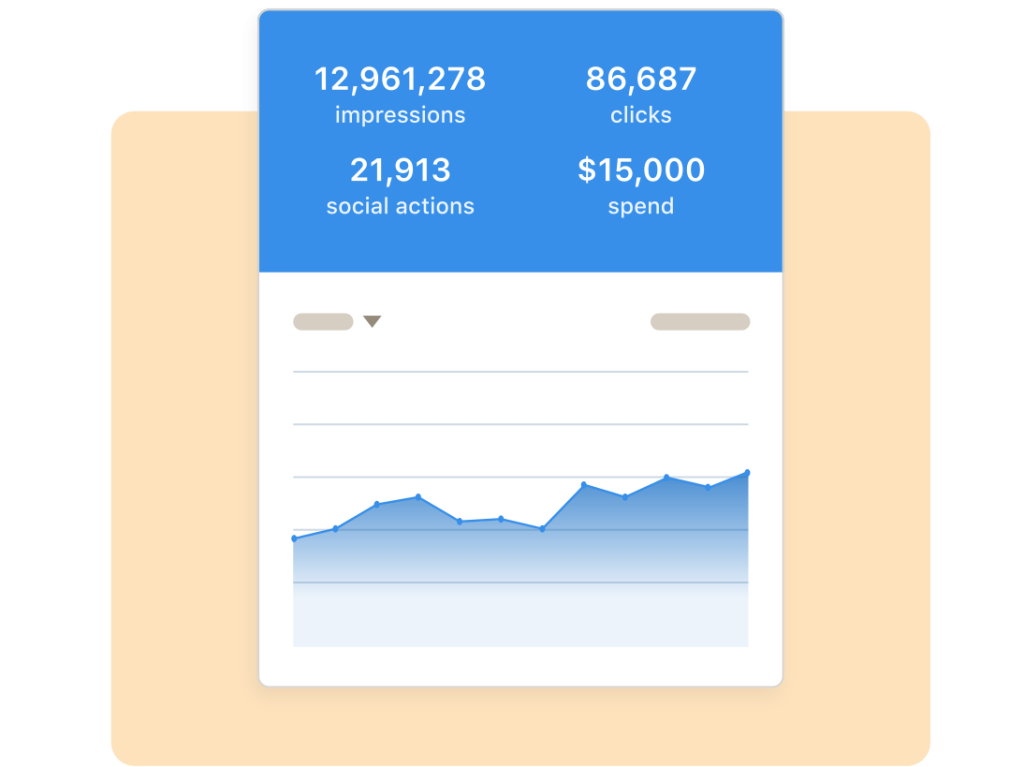
Measure the ROI of your ads and uncover opportunities with reports and analytics.

Learn how to explore LinkedIn ads

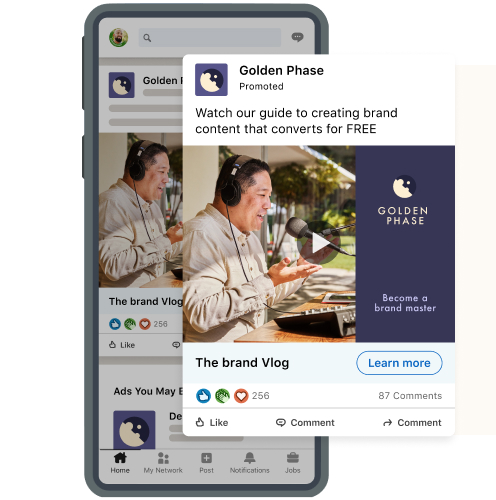
Sponsored content

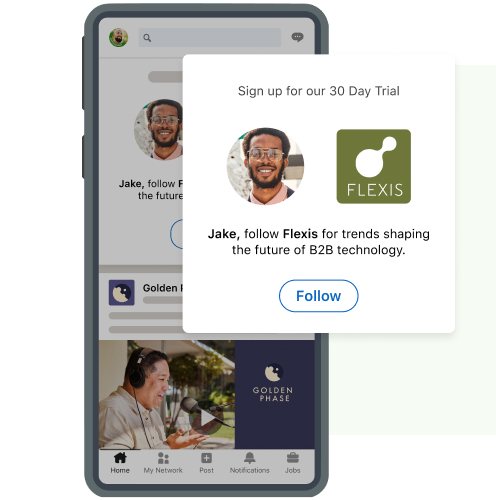
Multimedia ads that appear in the LinkedIn feeds of specific members on desktops, tablets, and mobile devices.

Sponsored Messaging

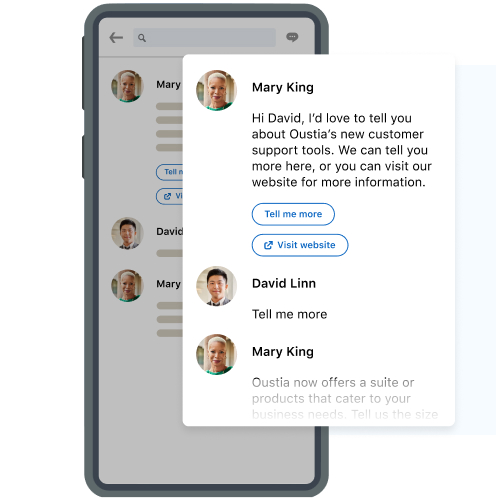
Direct messages sent to your target audience through LinkedIn Messaging.

Dynamic ads

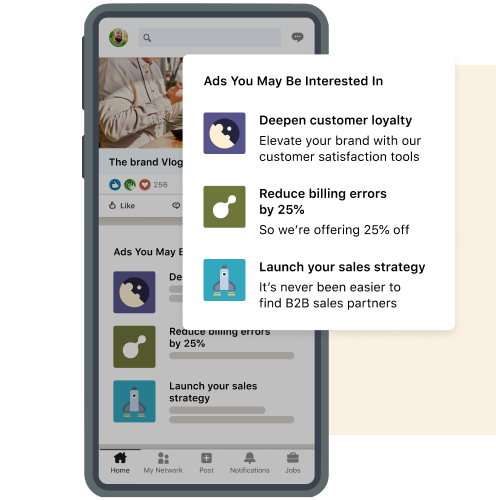
Personalized ads at scale based on LinkedIn profile data, such as company name or job title.

Text ads

Self-service, pay-per-click desktop ads that you can create in minutes.

Courses designed to boost your business:
And many more courses to boost your business.

Learn how to attract new clients for your business

Informes web - USA
We’re here to help you!

Choose the type of support you need

Remote Support for Emails with Your Domain

Schedule a Zoom meeting and easily set up your emails on PC or mobile.

Consult with a Web Designer

Schedule a Zoom appointment and resolve website issues with an expert.

Hire a Designer for Your Website

Get professional support to create or improve your site and make your business stand out online.

Hire a Designer for Your Online Store

Get expert help to create or improve your store and boost your sales in the digital world.

Bizplin Hosting Support

Free remote support to resolve any questions about your hosting service. Get quick solutions that optimize and enhance your business.

External Hosting Support

Schedule a consultation and receive expert assistance to resolve any questions about your hosting service with a provider outside of Bizplin.

Marketing: Need More Customers?

Get expert advice to audit your campaigns or improve your strategy and attract new customers. Exclusive service for Bizplin clients.

Product Upload for Your Online Store

We quickly and professionally add your business's products to your online store.

Learning Space

Bizplin Academy

Everything you need to know to manage your business online, from creating or updating your website to marketing strategies for attracting new customers every day.

Copyright 2025 © Bizplin – Official Site.